
ZArchiver
ZArchiver is a free archive manager for Android by Ant-ON for opening and creating compressed files. This page covers version 1.0.10.
5.1 MB
7.23.build134 · Rar Lab · Page updated
RAR for Android is an archive app from Rar Lab for creating and extracting compressed files on your phone.
Average 0.0 · ratings: 0
Thank you! Your rating is saved; you can change it. Could not save the rating. Please try again later. Too many ratings from your network today. Please try again tomorrow. The average appears after 5 ratings.
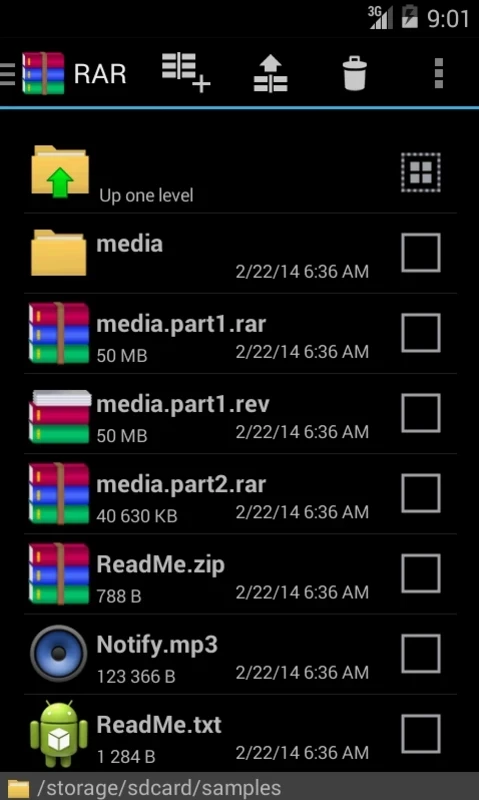
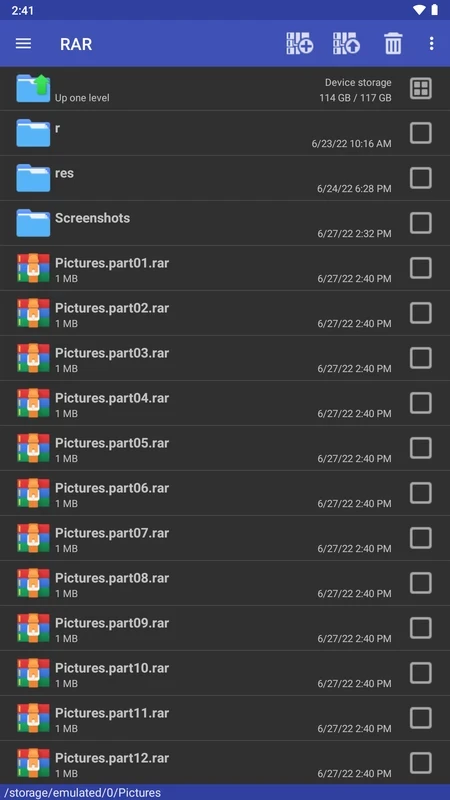
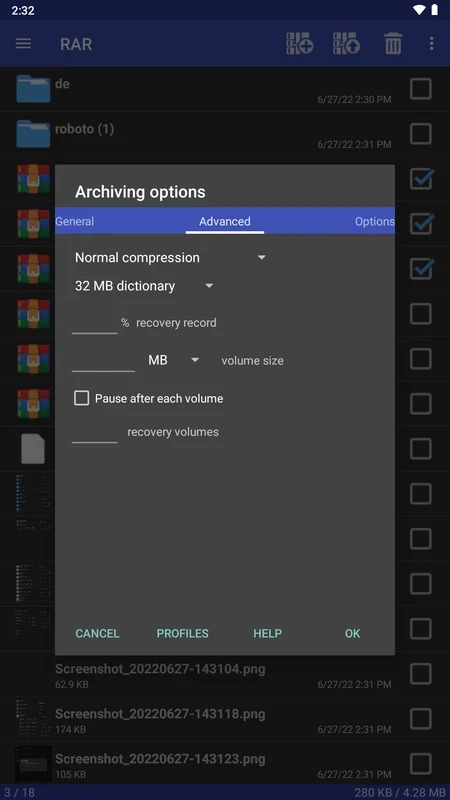
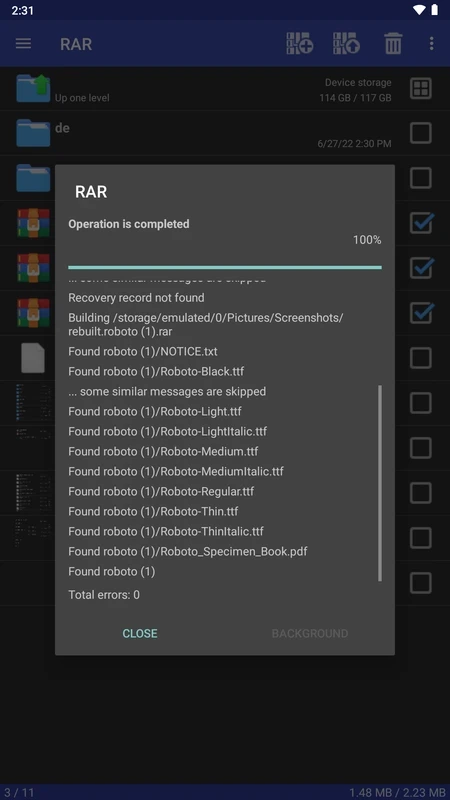
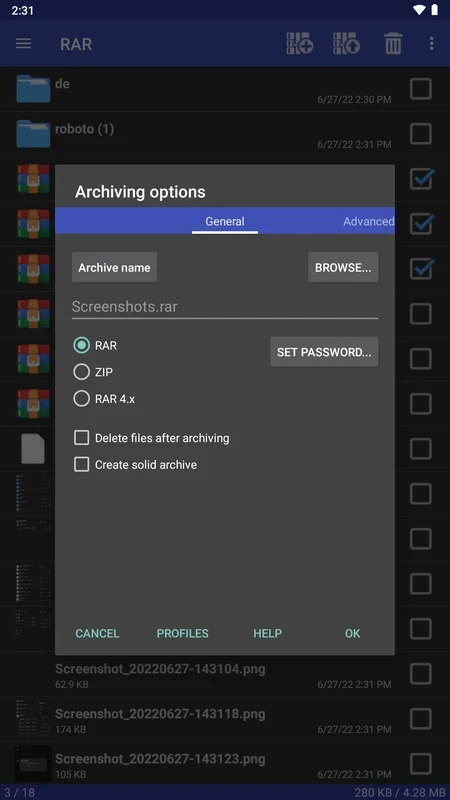
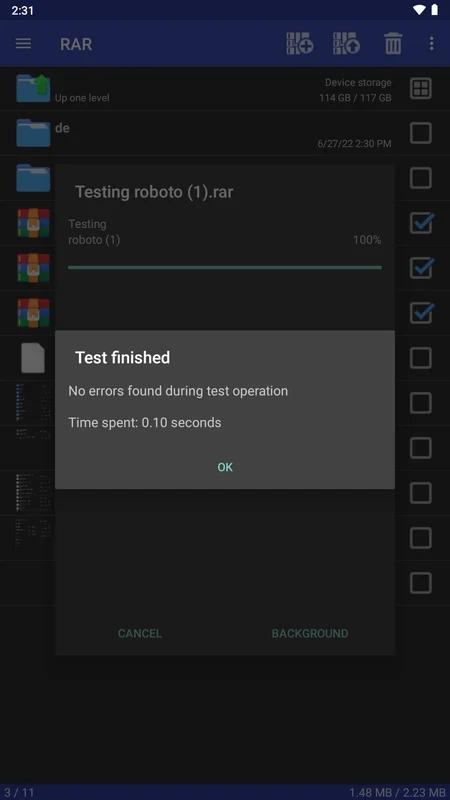
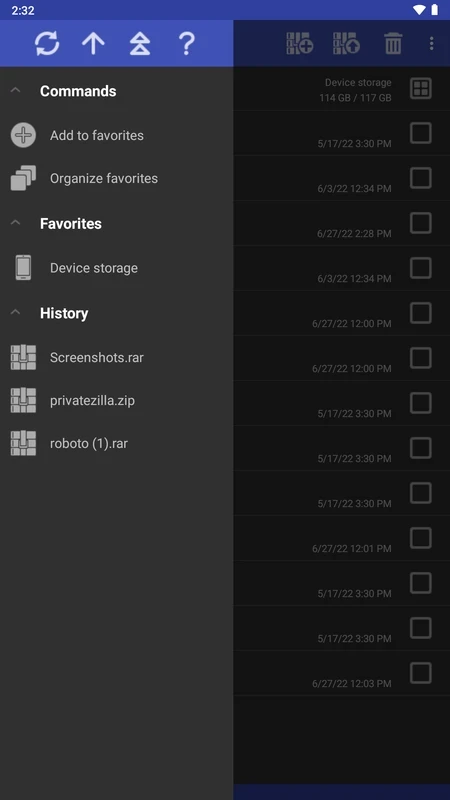
RAR 7.23 is the Android archive app from Rar Lab. It lets you open compressed files you receive on your phone and pack files into archives before sending them, and the app is free to download.
Archives bundle many files into one and usually make them smaller. They are common when someone sends a set of documents, photos or project files at once, and phones do not always open them without help. RAR adds that help: you tap an archive, see what is inside and extract all or part of it to a folder. You can also go the other way and pack a folder into a single archive, which is handy for sending many files by email or messenger. For most people the app is a quiet utility: installed once, opened only when an archive appears, and otherwise out of the way. It is also a sensible place to check an archive's contents before extracting it, which helps you spot suspicious files early.
Select the files or folder in the app, choose to add them to an archive, pick a name and confirm. If the archive contains personal documents, protect it with a strong password and send the password through a different channel than the file itself.
| Item | Details |
|---|---|
| Version | 7.23 build 134 |
| Developer | Rar Lab |
| Platform | Android |
| Price | Free |
| Size | about 5.41 MB according to catalogue data |
The app is safe; the danger is in what archives contain. Malware is often sent inside compressed files because they hide the real file type until you extract them. Only open archives from people you know, be suspicious of files ending in .apk inside archives from strangers, and never install an app just because an archive told you to. Keep Google Play Protect enabled.
An archive app needs access to your files to do its job. Grant storage access, but nothing unrelated such as contacts or location.
Our listings include ZArchiver, another archive manager for Android. For sending large files instead of packing them, MEGA, MediaFire and TeraBox offer cloud storage.
ZArchiver is a free archive manager for Android by Ant-ON for opening and creating compressed files. This page covers version 1.0.10.

MEGA is a cloud storage and file hosting service from Mega Limited. This page covers the Android app, version 16.12.

Google One is Google's Android app for managing shared account storage, phone backup and paid storage plans.

MediaFire for Android is the mobile app of the MediaFire file hosting service for uploading, storing and sharing files from your phone.
TeraBox for Android is Flextech's cloud storage app for backing up photos, videos and documents from your phone and accessing them later.